



The current variety of gadgets has not led to competition between them: most users actively use several devices at once, depending on the situation. This can be seen in the example of gambling: when travelling, it is clearly more convenient for a player to use a smartphone or tablet, but at home, the advantage of a large screen comes into play when watching live sports broadcasts. in the second case, you can also combine the two, watching the twists and turns of the match on your PC or laptop while studying the line with your phone on the sofa. To provide these opportunities and ensure convenient account transfer when purchasing a new device, the BetLabel administration has made the login simple and intuitive.
BetLabel login: secure access to your personal account
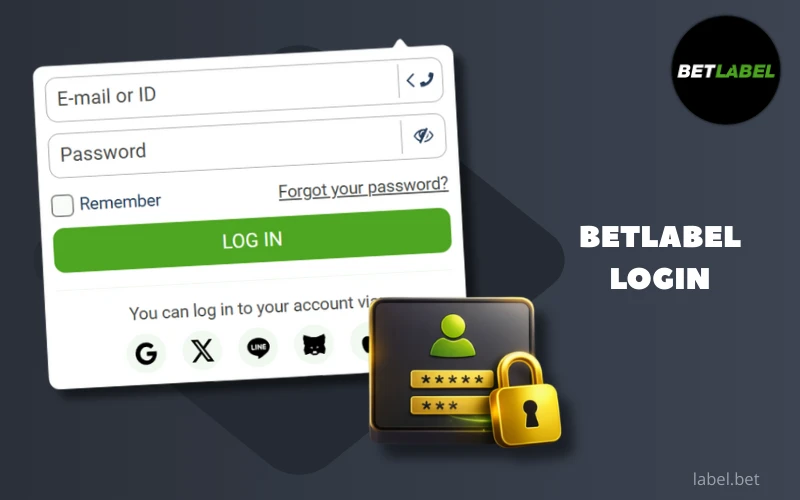
Ways to log in to the BetLabel website
There are several ways to log in to your BetLabel account. This is convenient from various points of view: you can log in even if you did not provide complete information about yourself after registration, and you can use an alternative login method if the one you are more familiar with is unavailable for some reason (for example, you have lost access to your phone number). Let’s take a closer look at the available options for logging into your personal account on our website.
Login with username and password
The most common method of authorisation requires the player to enter their username and password when logging into the system. Three types of data can be used as a username:
- email address;
- phone number;
- account ID, automatically assigned to a new player upon registration — it is worth writing it down immediately after creating an account.
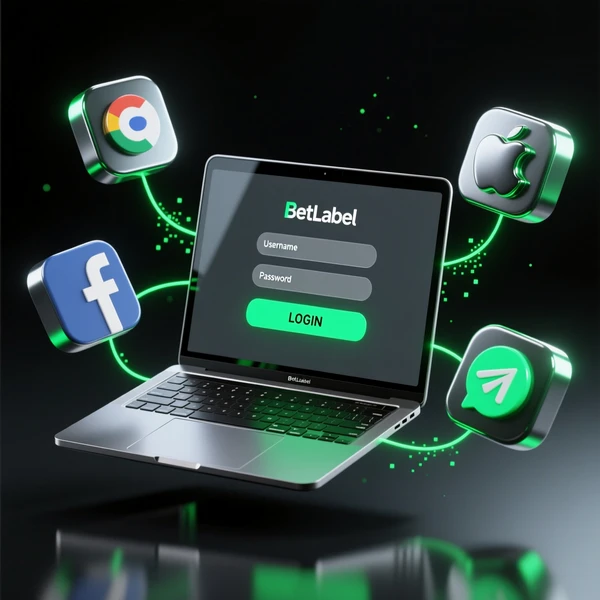
Authorisation via social networks
Users can also log into their personal account via social networks and messengers, but only if they registered using them or linked them to their account later. Currently, you can log in using the following platforms:
- Google,
- X,
- Line,
- MetaMask,
- Apple ID.
Login instructions for new users
The authorisation procedure in your BetLabel personal account is designed to be extremely simple and intuitive; moreover, it is similar to logging into any other service that requires authorisation. However, we understand that some customers may not be sufficiently experienced and may need guidance, which we kindly provide below.
How to log in on a computer
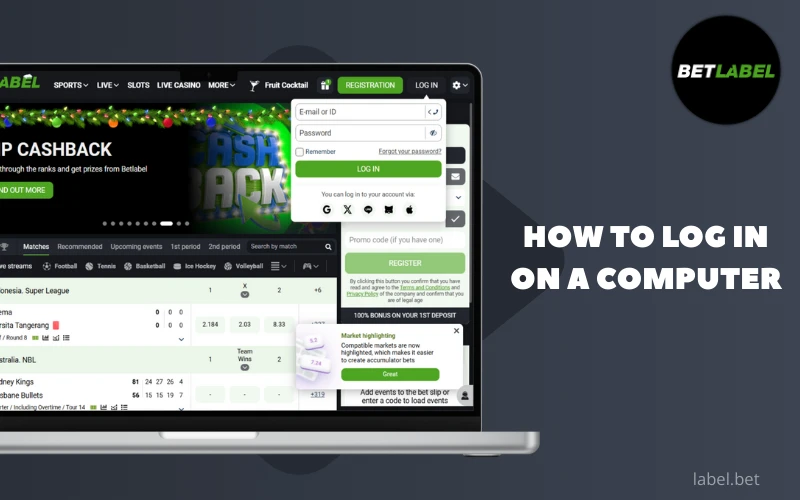
To log in to BetLabel on a desktop computer, you can use any browser you have handy: just type betlbl.com into the address bar and go to the website. The Login button is in the top right corner — tap it. An authorisation window will open with two fields for entering information: in the upper field, you need to specify your login, having previously selected its type (e-mail/ID or phone number), and in the lower field, your password, then click the Login button.
As an alternative to authorisation, you can use your social media login: to do this, tap on the social media icon linked to your BetLabel account and follow the system prompts, as the interface may vary slightly depending on your choice. When authorising via social networks, you may need to enter your login and password from the social network itself, but don’t worry: you enter them directly in the interface of the resource that requests the authorisation data, and neither we nor any third party will have access to this data.
Log in via the mobile version and app
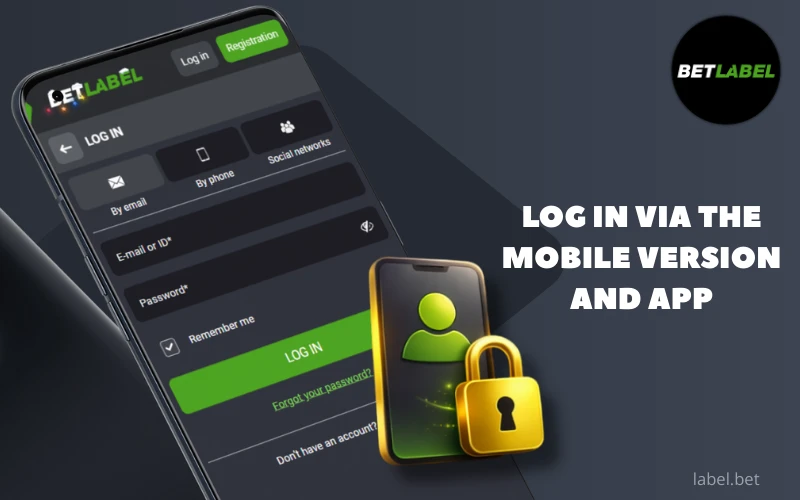
The principle of authorisation in your BetLabel personal account in mobile application for Android and iOS, in terms of step-by-step instructions, is no different from what we described above in the context of the desktop site. However, in order to use the application, you must first download and install it. Please only download branded software from our official website, as no one can guarantee that files from alternative sources will be safe.
On portable devices, the Remember Me function is particularly useful. In the authorisation window, the user can tick the box next to this label so that the programme never asks for a login and password on this device and in this application. Once this feature is activated, all launches of the application will be recognised by the system as your login. In fact, a similar feature is also available for the desktop version of the site, but it is particularly useful on smartphones and tablets, where you can lock the screen using biometric data, thus maintaining your privacy.
If for any reason the BetLabel mobile app does not suit you, but you want to use the services on a portable device, log in to the mobile version of our website. The process is exactly the same as logging in to the desktop site — you can use any browser you like. The interface will adjust to the vertical orientation and settings of your display for maximum convenience.
Problems with login and their solutions
Logging in to any version of the BetLabel interface is usually straightforward, as our development team has ensured that the login process is as simple, intuitive and quick as possible. However, it would be untrue to say that no one ever encounters any issues when logging in. Fortunately, in most cases, contacting customer support is not necessary: users can find a solution on their own, and we will explain how to do so.
Recovering a forgotten password
A forgotten password can be easily recovered without contacting customer support. Simply follow these steps:
- On the website or in the BetLabel mobile app, tap the Login button.
- In the authorisation window that opens, select the Forgot your password option.
- In the next window, enter the phone number or email address associated with your account.
- Your old password has now been reset, and detailed instructions on how to set a new passcode will be sent to the contact you provided.
If you registered with BetLabel via social networks and messengers and have not yet provided any other contact details, you may not have an account password, as you logged in with your social network username and password. If you have forgotten your social media password, please contact the support service of the relevant social network to recover it.
What to do if your account is blocked
In some cases, when attempting to log in, BetLabel users may see a message stating that their account has been blocked (not to be confused with access being blocked in a specific country). There can be many reasons why this has happened, and each one requires different advice to resolve the issue.

Suspicious activity. Someone is attempting to log into your account from an unusual and very distant country, or has attempted to withdraw funds to an unfamiliar wallet, so the administration has taken measures to prevent your account from being permanently deleted. Access can be restored after the owner passes re-verification, proving that the account belongs to them. To resolve the issue, please contact our support team via chat or email.
Self-exclusion. Players who notice that gambling is causing them to become addicted and lose control can block their account for a specific period or indefinitely. Early restoration of access is not usually practised, but you can contact BetLabel customer support to clarify this issue in your specific situation.
Ignored verification. Before the first withdrawal of funds, our administration would have asked the customer to undergo verification by providing documents, and in case of refusal, the user would simply not be able to withdraw money. However, sooner or later, the establishment's patience runs out, and if the player continues to ignore the request (or simply stops using the account), the account may be blocked. To restore it, please contact our support service: if the personal account has not been completely deleted, it can be restored, but only on condition that the documents are provided.
Gross violations of the rules, including multi-accounting, fraud, and money laundering through BetLabel. Any of these violations will result in the complete termination of cooperation between our establishment and the customer, and the company is not obliged to prove the user's guilt. As a rule, it is impossible to restore an account after the owner's unlawful behaviour has been detected. However, it is worth contacting customer support at least to clearly understand whether your account has been permanently blocked or whether it can be restored.
Confirmation code not received
If a new user is unable to log in immediately after registering on BetLabel, you may not have completed the account creation process. When creating an account linked to your email address, after clicking the Register button, you must separately activate your account, thereby confirming that the email address belongs to you. To do this, follow the link in the email sent by our company to the email address you provided.
The typical waiting time for such an email is literally a minute, and if it does not arrive within at least a few minutes, this indicates a problem. Perhaps the letter simply ended up in your spam folder — check there to see if it is there. If there is no link to activate your BetLabel account in your spam folder, the most likely reason is that you made a typo in your email address when registering — in this case, you will have no choice but to re-register with the correct contact details.
Account security settings
Protecting your account from theft is largely the responsibility of the account owner: BetLabel’s administration encrypts all traffic, but attackers are much more likely to find out your login and password due to the carelessness of the player themselves. You can use certain tools to increase the security of your account, and although it is unlikely that fraudsters will be able to steal your money, taking timely measures can help you avoid the unnecessary procedure of restoring access.
Two-factor authentication (2FA)
In the security settings of your BetLabel personal account, you can enable two-factor authentication by linking your account with our establishment to your account in the Google Authenticator mobile application (available for Android and iOS in official app stores). The purpose of this programme is to generate one-time access codes that are valid for only 30 seconds. With 2FA enabled, knowing your login and password is not enough to log in — you also need to enter a one-time code from Google Authenticator, which virtually eliminates the possibility of remote account hacking. Although using such access codes may not seem very convenient, it is the main method of increasing account security on many resources, and we recommend that everyone use it, especially players who log in on other people’s devices (Google Authenticator should only be used on your own personal gadget!) and on shared networks.
Identity verification after first login
Although BetLabel does not ask for personal data in any of the registration forms for new users, as an existing customer you must provide it, additionally confirming the information in the form with photographs of your documents. This is required by law, as it is the only way to weed out underage users and gambling addicts, and the establishment is interested in identifying cases of multi-accounting and the possibility of lifetime blocking for fraudsters. Until verification is complete, the customer will not be able to withdraw their winnings, and if they ignore the request for a long time, they also risk having their personal account blocked.
We would recommend completing verification as soon as possible, as this step will allow you to restore access to your BetLabel account in any unusual situation. When our administration clearly understands who is the legal owner of a personal account, in disputed situations we will simply conduct a re-verification and restore access only to the user who proves that it is their account.
To verify your identity voluntarily, simply upload high-quality photos of your documents to your personal account profile. Any form of identification is acceptable, including your passport, ID card or driving licence, as long as it shows your full name and date of birth and includes a photo.
Features of the BetLabel personal account
By logging into your personal account on BetLabel, you get the right to perform any actions on this device on your behalf. In other words, these actions are synchronised with your activity on other gadgets where you have logged in, opening up a wide range of opportunities for players to gamble for money.
Finance management
By logging into your BetLabel personal account, you get full access to managing your bankroll. When you have a free moment, you can top up your balance or, conversely, withdraw your winnings, even if the bet that won you the money was placed on another device. Access to your bankroll on any device where you are authorised means that players can change their device if it becomes outdated or is lost. In addition, you can view your transaction history in your personal account to make objective conclusions about how much money you spend on gambling.
Betting history and bonuses
Logging into your personal account also allows BetLabel customers to view the status of their bets and betting history from any device. Experienced players know that analysing their previous actions is critical to adequate bankroll management. In addition, sometimes you will find yourself in situations where you have nothing to do - and you can even look for promising future bets from your smartphone, especially if one of your previous bets is about to win.
You can also track your success in wagering your bonus in your BetLabel personal account. It is extremely important for the customer not to miss the timing, because a gift that you do not manage to wager in time will be forfeited. In this context, the understanding of the status of your bets comes up again: if a coupon is returned due to the cancellation of a match, it will not be taken into account in the wagering, but the user will have the opportunity to place an alternative bet urgently.
Support service for access issues
If a player encounters any problems during authorisation or use of BetLabel, they can seek qualified assistance 24/7. Operators speak a wide range of languages (which is hardly surprising in the age of artificial intelligence) and will be happy to resolve your issue. There are three main ways to ask a question:
- in the online chat on the website or in the BetLabel mobile apps – you will receive a reply in the chat window within a few minutes;
- by email, for example, to [email protected] – they will respond within a few hours to the email address from which you sent your message;
- via the feedback form in the Contacts section – you will receive a reply within a few hours to the email address you specify as your contact address.
To help the administration understand which account the problem concerns, please indicate its ID in your request. If screenshots will help illustrate the nature of the problem, please attach them to your request.