



There is no clear monopoly in the modern mobile operating system market, but Android OS is very close to this status: at least, billions of devices around the world run on the “green robot”. Providing any kind of service without taking into account the interests of users of such gadgets means that the provider of such services consciously refuses global popularity and will significantly lose out on profits. The BetLabel brand, on the contrary, was created as a gambling platform with the broadest possible prospects — accordingly, we have provided a special application for smartphones and tablets running Android.
Download BetLabel Tanzania APK
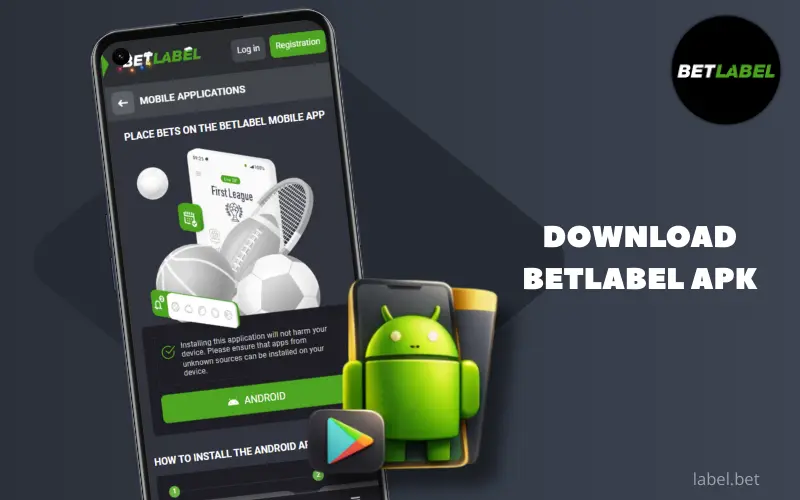
Why download the BetLabel APK for Android?
In fact, even Android users do not need to download a special application to access BetLabel Tanzania: you can use the mobile site, which opens in a browser, or create a PWA (essentially the same interface in a browser, but with a shortcut on the home screen). For a small percentage of customers using very old versions of Android, the website may be the only option, plus its advantages are evident when you need to access BetLabel from this device just once. However, for regular use, the mobile app is much more suitable.
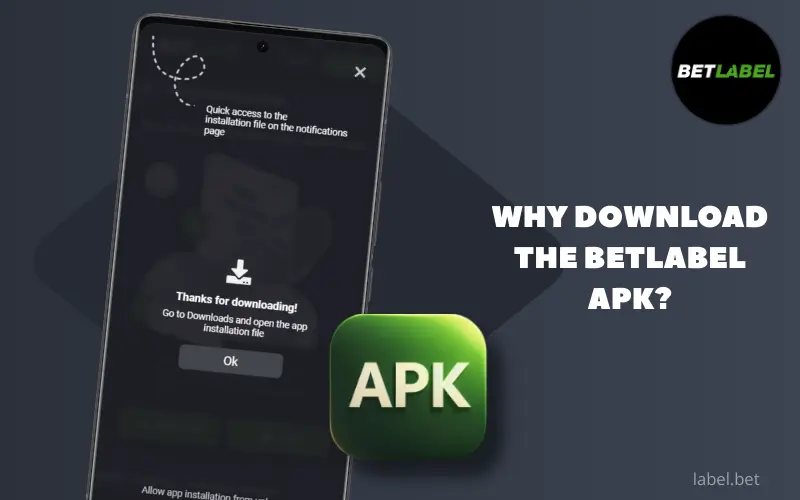
Advantages of playing through the official app
Using the BetLabel mobile app for Android actually has quite a few different advantages – let’s take a look at just the main ones:

the ability to launch the interface with a single tap, directly from the gadget's home screen;
automatic bypassing of blocks thanks to a built-in VPN - where it is not possible to launch the site without the latter;
significant traffic savings thanks to permanent storage of file libraries in the phone's file system;
accelerated interface loading thanks to the same file libraries in internal memory;
Customisable notifications allow players to stay up to date with new draws and instantly find out when their winnings have been credited.
You can receive a monthly bonus of up to 750,000 TZS for sports betting in the app.
BetLabel APK Installation Guide
We do not recommend skipping this section of the article, even if you are completely confident in your ability to install mobile applications for Android on your own. The fact is that our programme is not available on Google Play: the administration of this platform, as a rule, does not accommodate gambling establishments and does not publish such content. This does not mean that you will be left without a specialised programme, because, fortunately, your operating system allows you to download software from alternative sources. In fact, there is nothing complicated about it, but since the procedure is different from the usual one, you may need special instructions.
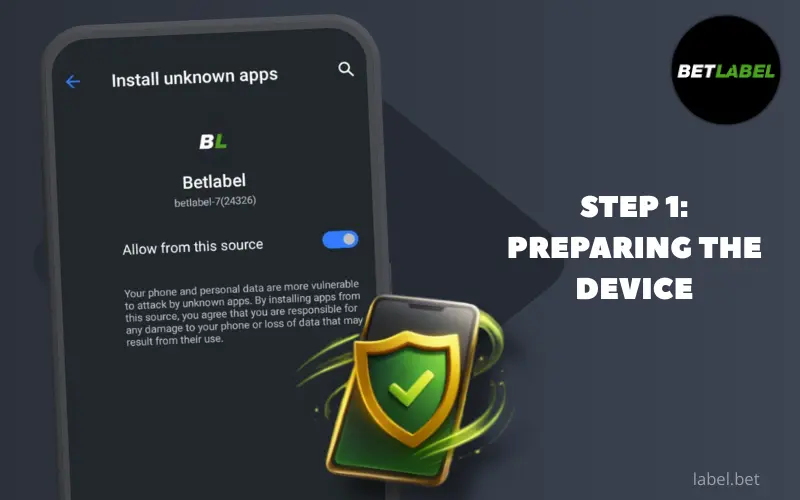
Step 1: Preparing the device
Although the Android OS allows customers to install software from any source, anything downloaded from outside Google Play will be marked by the system as potentially unsafe, requiring special separate permissions for both downloading and installation. These permissions can be granted in advance, but we will not describe the path to the relevant settings here, as in different Android shells, the settings sections may be grouped differently and have different names. Suffice it to say that when you try to download and install a programme from an “unknown” source, you will see a dialogue box with a message about the allegedly unsafe status of the programme. From there, you can click a button to go directly to the relevant settings section, where you can simply toggle the switch to allow the file to be downloaded and then unpacked.
We emphasise: if you are not absolutely sure about the security of the apk source, you should not give permission under any circumstances, because fraudsters can indeed gain access to your gadget or personal data thanks to the user’s carelessness. However, you can download the programme directly from the official BetLabel website without any concerns: we are interested in maintaining our reputation and distributing secure proprietary software.
Step 2: Download the installation file
To download the BetLabel application installation file, go to betlbl.com in any browser installed on your Android device. Your gadget will automatically be recognised as a portable device, so you will be shown the mobile version of the site by default. In this interface, tap on Menu (at the bottom right), and you will see the Mobile Applications section at the top; now tap on the Download for Android button, and the download will begin. As we described above, you may need to grant permission to download the apk “from an unknown source” if you have not done so before.
You may potentially find offers to download our application from alternative sources, such as gambling forums. Please do not download anything from these sources: the apk may have been modified by fraudsters specifically to obtain valuable information about users of our platform.
Step 3: Installation and launch
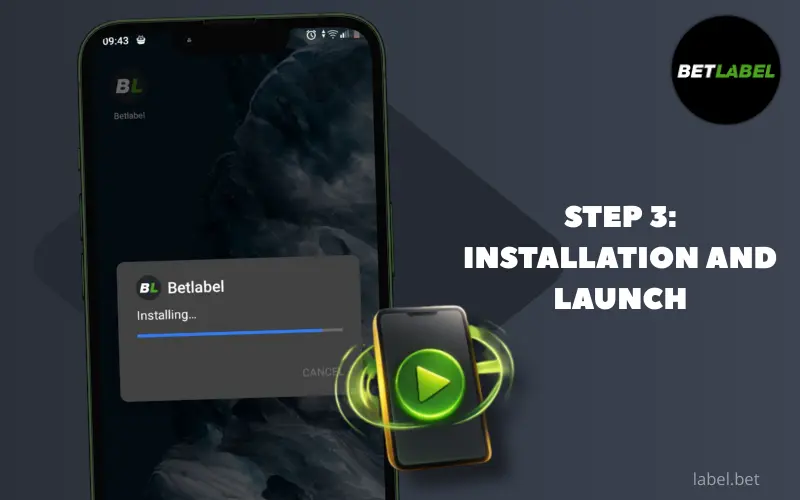
Downloading the mobile app takes no more than a few seconds. After that, you will find the apk file in the Downloads folder, which you can open via File Explorer, the notification bar (download completion notification) or the menu of the browser you used. Tap the installation file and it will begin to unpack, although the system will probably ask for permission to install it first, which you should grant as described above. Once the process is complete, which takes just a few seconds, a BetLabel shortcut will appear on the main screen of your gadget — and that’s it, the installation is complete!
Now you can launch our establishment’s interface with a single tap, after which you must authorise yourself by pressing the Login button. If you have never registered as a BetLabel Tanzania customer before, you should start by registering – by pressing the button of the same name.
System requirements for Android
The BetLabel mobile application is developed to be as compatible as possible with all gadgets that are still in use — sometimes it is surprising how old devices can run such a programme. However, for the software to work stably and without issues, it is better to choose a smartphone or tablet with the following (also undemanding) specifications:
- Android OS no older than version 9.0;
- 2 GB of RAM (this parameter may increase if a large number of applications are running simultaneously);
- up to 1 GB of physical memory for cache storage (you can allocate less, but then the advantages of traffic savings and accelerated interface loading will be less obvious).
As new features are added in future updates, system requirements may become more demanding, but overall we are committed to maintaining support for modest hardware for as long as possible.
BetLabel application update
Android apps are usually updated automatically, but this trick only works with programmes obtained from the official Google Play store. Since the BetLabel software did not come from there, it will not be updated automatically, but it is important for users to have the latest version of the app: this guarantees maximum access to new features and the implementation of the latest security standards.
You will need to check for updates manually: to do this, open the Menu in the application, then go to Settings and look for the line with the programme version. If the status says Updated, it means that our developers have not released anything newer yet; if the Update button is displayed, you should click it – this will start downloading the new version of the apk.
BetLabel app functionality
The BetLabel mobile app should not be considered a backup solution — on the contrary, it is a full-fledged version of our establishment’s interface, which retains all the features characteristic of the desktop or mobile site. Let’s briefly go over the main features of the programme.

Sports and eSports betting
Wherever you are, thanks to the BetLabel mobile app, you have access to the full version of our betting line, with over 9,000 matches available for betting at peak times and an impressive 1,400 markets for individual matches. You can place bets both before the start of the selected match and during it; in addition, long-term bets are also accepted: here it is important to predict the winner not of a single match, but of the entire tournament.
The total number of disciplines in the betting line is about 60, and we counted e-sports as one position. In addition to sports, in the BetLabel mobile app, you can also bet on politics, show business, technology, and weather.

Online casino and slots
In the BetLabel mobile app, customers will find a full range of online casino entertainment: several thousand games, including slots, live dealer entertainment, bingo, crash games, quick games, hunting and fishing, and so on, have been transferred to the programme for smartphones and tablets. Don't worry about system requirements: even colourful modern games with relatively complex gameplay do not put a significant load on the device. Our developers have worked hard to ensure that casino games are displayed correctly on small and vertically oriented screens, and that the controls remain within easy reach without obstructing the view of the playing field.

Financial transactions in the app
When playing on a smartphone, customers should be able to use it to make financial transactions in both directions, and BetLabel apk provides this option. Deposits and withdrawals can be made in several dozen ways, although for your specific country and gaming account currency, there will be slightly fewer options available. Deposits are credited to your balance instantly (in practice, they appear in your personal account 1-2 minutes after being sent) and without commission, while withdrawals (with some exceptions) are credited within a quarter of an hour. A mismatch between the sender's and recipient's currencies is not a problem: in such cases, payment systems automatically convert the amount at the current exchange rate.
Troubleshooting installation issues
Errors rarely occur when installing our mobile application on devices running Android OS, but even if they do, you can often fix the problem without contacting support.
What to do if the file does not open
There may be various reasons why this happens, so we would recommend several scenarios for user action:
- Check that there is sufficient physical memory on the device, and if there is no more than 1 GB left, find a way to delete unnecessary files or clean the system of junk using special programmes.
- Delete the installation file and download it again – it may be that a failure occurred during the download and the integrity of your apk has been compromised.
- Dig into the settings and try to give permission to install the file in advance — it is possible that in some Android builds, permission is not requested when attempting to unpack an “unknown” application, and the latter is simply considered an undesirable process by default.
Error "Syntactic analysis of the packet"
This problem is quite rare, but its occurrence can be caused by several different reasons, with various scenarios for elimination:
- Check permissions for downloading and installing programmes from unknown sources, grant such permissions in advance – as described above, in some Android add-ons, the dialogue box requesting permission may not be displayed at the moment of installation;
- Only unpack the apk from the internal memory of your smartphone. If the file was downloaded to a memory card, first transfer it to the internal memory. Some older devices have a restriction that prevents the unpacking of installation files from a flash drive.
- Ensure that our application is compatible with your operating system. On Android versions older than 9.0, the BetLabel Tanzania programme launches intermittently, and when the next update is released, it may stop launching even on 9.0.